
Listening to Audio for AUX (Option)
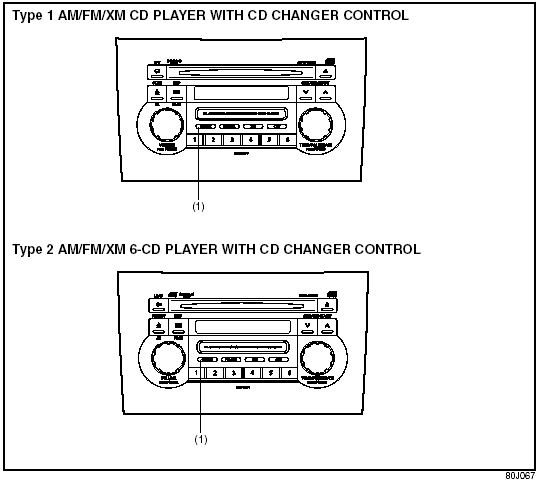
Listening to Audio for AUX (Option)
(1) Aux button (CD/AUX)
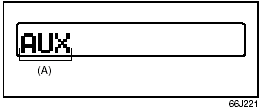
Display
(A) Mode indicator
Aux function
This system has an external input terminal so you can listen to audio from an external device connected to this unit.
Press the aux button (1).
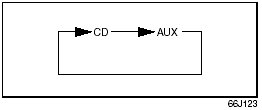
Each time the button is pressed, the selected mode is switched as follows:
See also:
A True Off-Roader?
Even though the spare tire isn't strapped to the undercarriage, the departure
angle isn't great: 26 degrees. The offroad-capable Jeep Patriot's measures 32
degrees, and even the Escape — which m ...
Vehicle Loading
Your vehicle was designed for specific
weight capacities. The weight capacities of
your vehicle are indicated by the Gross
Vehicle Weight Rating (GVWR), the Gross
Axle Weight Rating (GAWR, front ...
Introduction
Thank you for choosing SUZUKI and welcome to our growing family. Your choice
was a wise one; SUZUKI products are a great value
that will give you years of driving pleasure.
This Owner’s Manual w ...